By Michael, former real estate photographer in St. Augustine, FL.
How to Upscale Real Estate Photos to 24 MP for Print
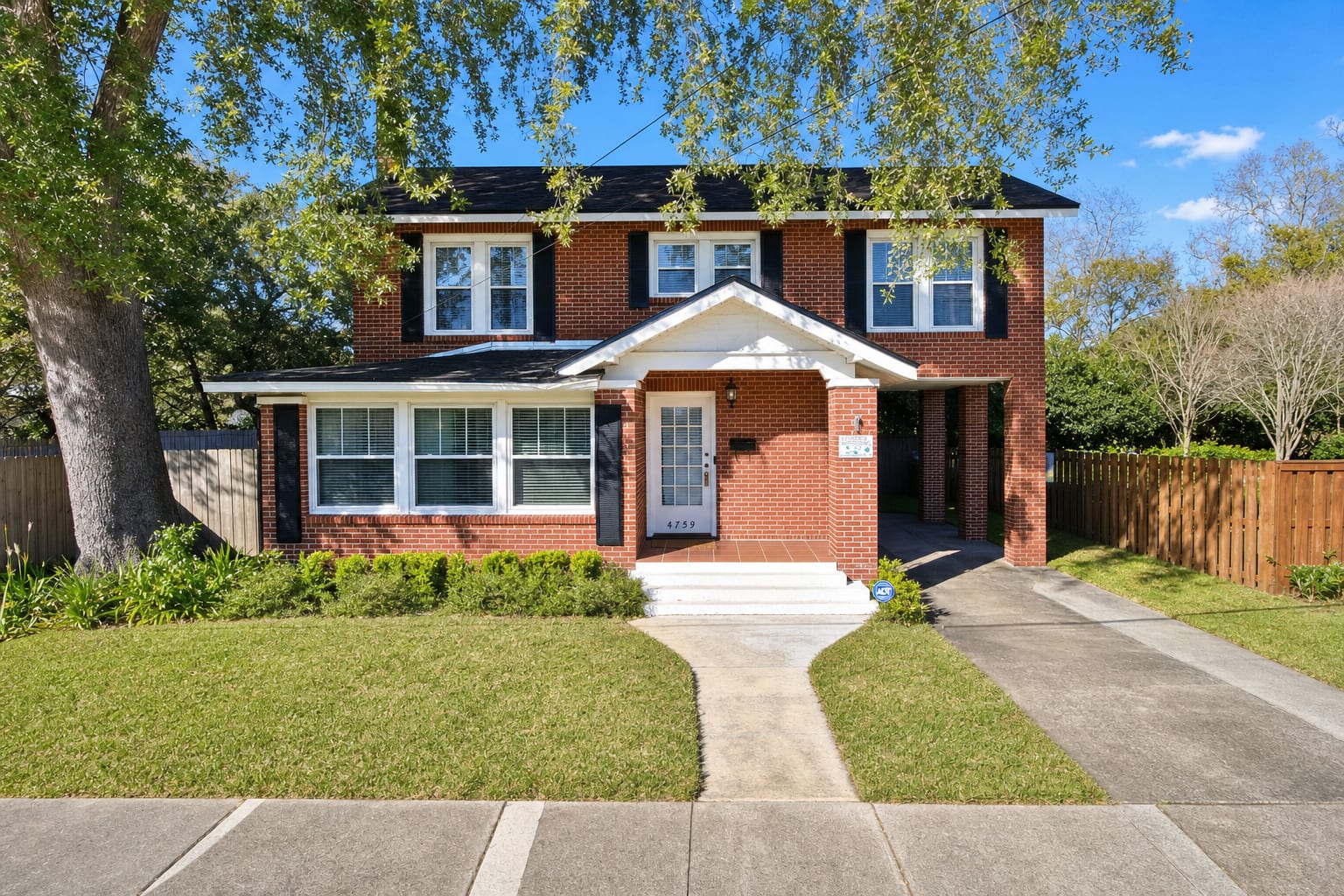
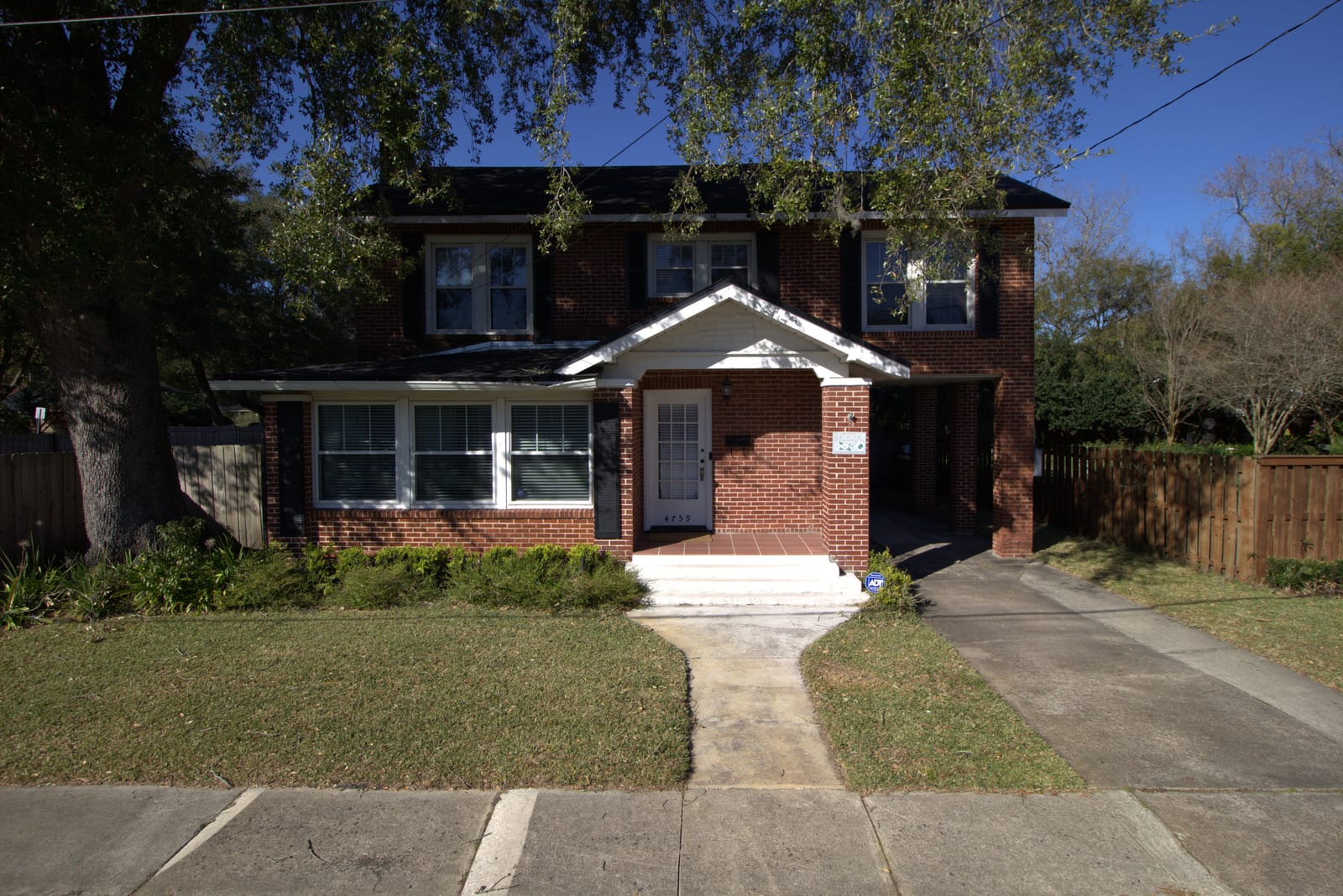
The listing photo looks great on screen. Then the seller wants a printed flyer, the brokerage asks for a postcard, or the office wants the house in its window display, and the same file comes back soft and blocky at print size. That is a resolution problem, and it is why agents look for ways to upscale real estate photos. BiziEdit does it as part of enhancement: turn on high resolution and your photos come back at up to 24 MP, large enough to print sharp.
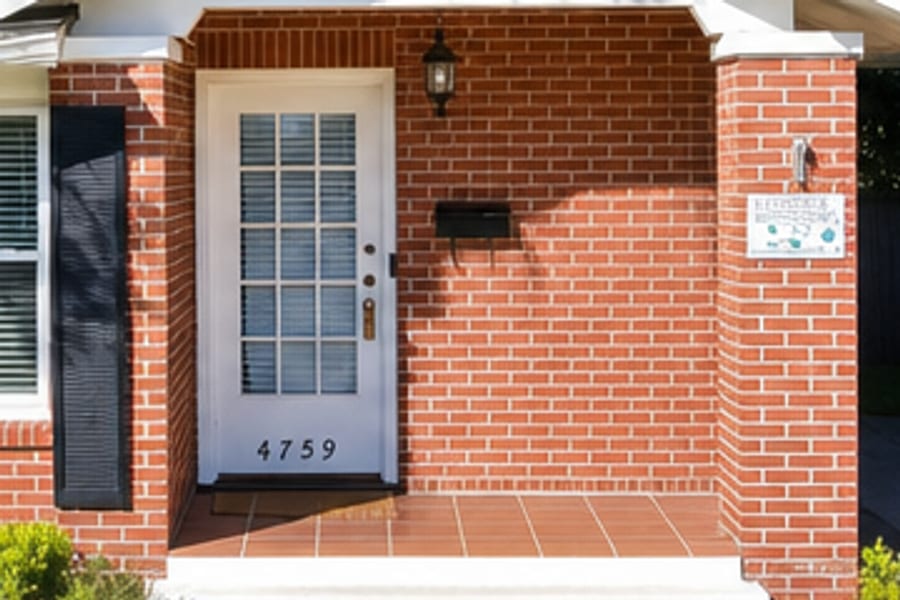 Before
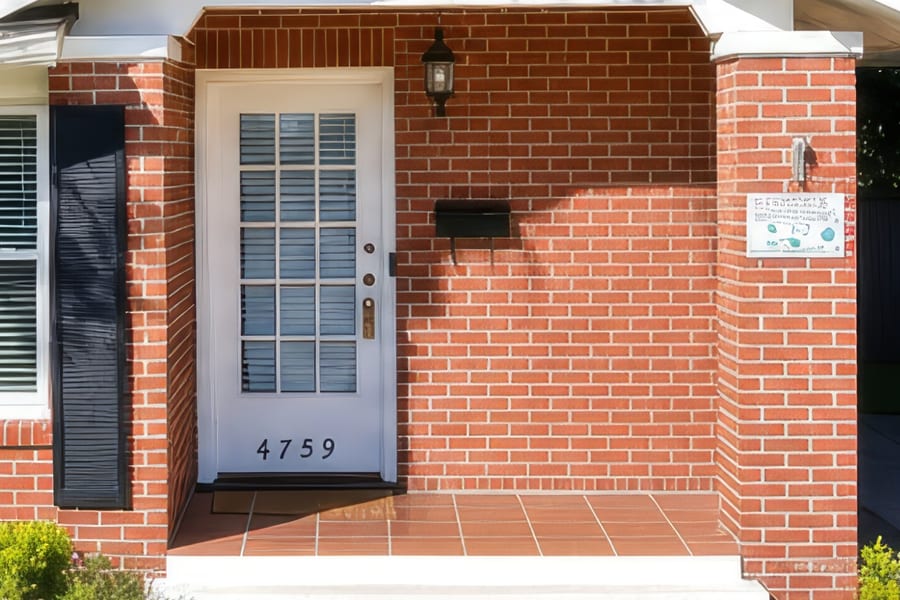 After
After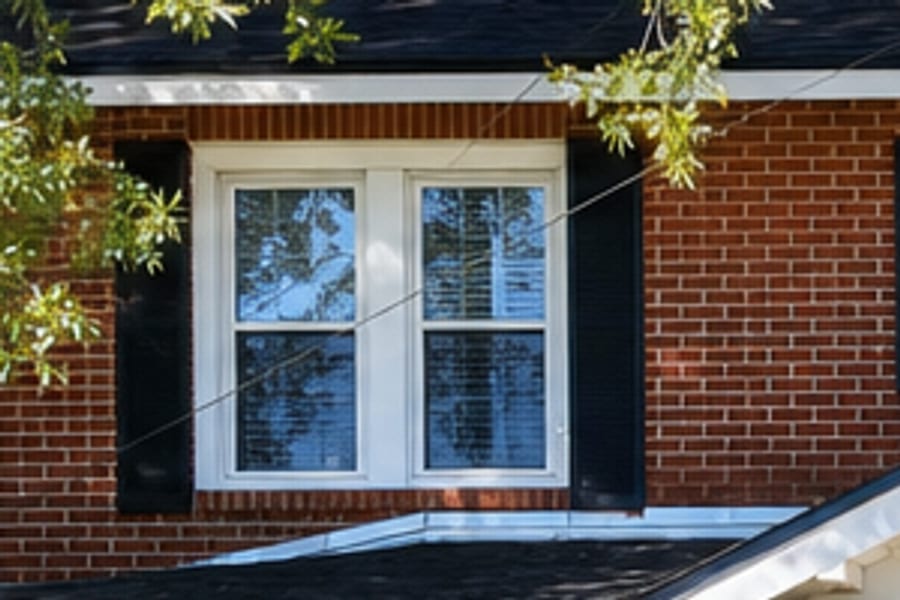 Before
 After
AfterWhy a photo can look sharp online and fall apart in print
Screens are forgiving. Listing sites display photos at around 1920 to 2048 pixels wide, and the standard BiziEdit download at 1920 px on the long edge covers that with room to spare. Print is a different bar. Print shops work at 300 dots per inch, so a full-page flyer wants roughly 3300 pixels on the long edge and a large brochure spread wants more. Send a web-sized file to the printer and it comes back soft, with mushy brick and a house number you cannot make out.
Why enlarging the file yourself does not work
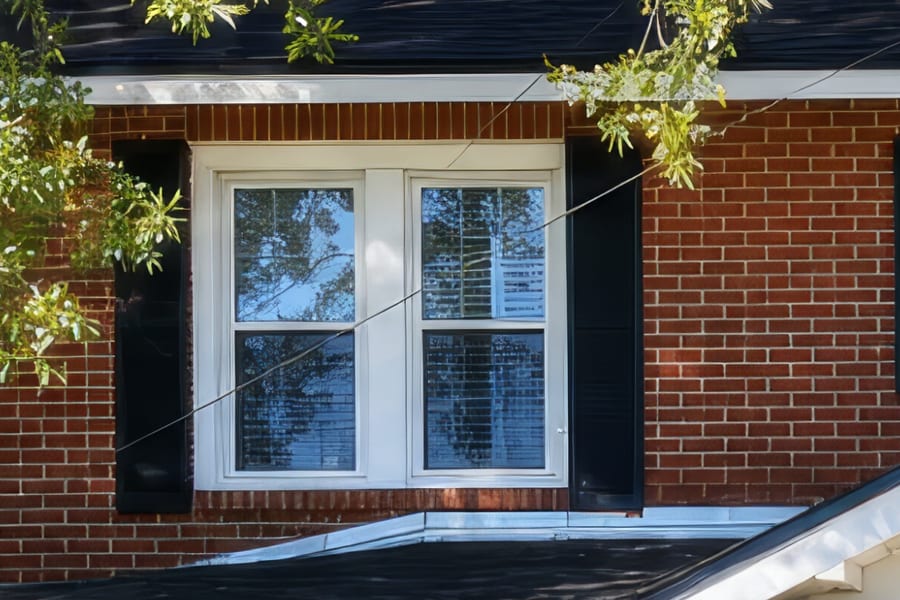
Stretching a photo in an editing app adds pixels but no detail. The software fills the new pixels by averaging their neighbors, so edges smooth out and fine texture turns to plastic. You can see it in the zoomed crops above: enlarging the standard file smooths the brick and blurs the house number plaque, while the high resolution version keeps the mortar lines and the shutter slats. Getting real detail back takes an upscaling model built for the job, not a bigger canvas.
How BiziEdit gets a listing photo to 24 MP
Every photo goes through standard enhancement first: lighting, color, sky, and clutter cleanup at $0.79 per image. Turn on high resolution for the project and every delivered photo is then finished with a professional-grade upscaling model to up to 24 MP, about 6000 px on the long edge, aspect ratio preserved. At 300 dots per inch that prints about 20 inches wide. Output size does not depend on your upload size, so a phone shot or an older, smaller photo can still come back print-ready. It is the simplest way to upscale real estate photos, because the enhancement and the upscaling happen in one pass.
Pricing
High resolution (up to 24 MP, about 6000 px on the long edge) is $0.99 per image. It is a per-project setting: the $0.79 enhancement bills $0.99 instead, and a twilight version, normally an add-on at +$0.79, bills +$0.99. Virtual staging stays $2.79 per staged image and window view restoration stays +$0.40 per composite, and both come back at print resolution on a high resolution project. The first 10 enhancements are free with the trial. Every photo on this page is a real listing photo enhanced and upscaled by BiziEdit, and the zoomed crops are cut straight from the delivered files. See per-image pricing for the full breakdown, start with 10 free enhancements, or browse virtual staging if you also need empty rooms staged.
More from BiziEdit
How to Fix Mixed Lighting in Real Estate Listing Photos
Fix mixed lighting in real estate listing photos with color optimization. BiziEdit unifies split white balance from tungsten and daylight for $0.79 per image.
Fix Hazy Aerial Photos on Real Estate Drone Listings
Fix hazy aerial photos on real estate drone listings. Clear the haze, drop the lens distortion, recover color. $0.79 per image. First ten enhancements free.
Twilight Conversion vs Sky Replacement for Listings
Twilight conversion vs sky replacement: one swaps daytime for dusk, the other only swaps clouds. Different services, different prices on a BiziEdit order.
Fix Flat Overcast Skies in Real Estate Listing Photos
Fix flat overcast skies in exterior listing photos at $0.79 per image. Sky enhancement is part of every BiziEdit photo enhancement. First ten free.
Fix Yellow Color Cast in Real Estate Listing Photos
Fix yellow color cast in listing photos at $0.79 per image. Color optimization is part of every BiziEdit photo enhancement. First ten enhancements free.
Twilight Conversion for Real Estate Listing Photos
Twilight conversion turns a daytime listing photo into a twilight shot in minutes. No reshoot. At BiziEdit, $0.79 per twilight on top of the $0.79 enhancement.
Pricing
$0.79 per image. First 10 photos free. No subscription, no credit card to start.
Try 10 photos freeFAQ
- What resolution do listing sites actually need?
- Most listing sites require at least 1024x768 and display photos at 1920 pixels wide or more, with some preferring 2048. The standard BiziEdit download at 1920 px on the long edge covers web listings. High resolution matters when the photo is headed to print or needs a heavy crop.
- Can you upscale an old or small real estate photo?
- Yes. Output size does not depend on upload size: BiziEdit re-renders the photo, so a smaller upload still comes back at the full output resolution for the tier. For the best result, upload the highest quality version of the file you have.
- How large can I print a 24 MP photo?
- At the 300 dots per inch print shops use for close-up viewing, a 24 MP file prints at about 20 by 13 inches. Flyers, postcards, and brochure spreads all fit inside that comfortably, and larger formats viewed from a distance can go bigger still.